
February 26, 2026/
No Comments
learn how to identify, fix, and prevent the most common tech mistakes that slow you down and compromise your security....

The surface web feels smaller than ever, heavily dominated by algorithmic feeds and subscription models. But beneath the mainstream noise lies a powerful collective of utility sites built to democratize data, unlock academic knowledge, and eliminate pricey subscription fees.
Whether you are a creator, student, developer, or digital marketer, knowing these 20 platforms will give you an unfair competitive edge. We have broken down these hidden gems by category, complete with a customized roadmap to help you master and track your toolkit.
What it does: Bypasses digital paywalls instantly.
Why you need it: Premium news outlets and publications frequently lock high-value journalism behind steep monthly paywalls. 12ft.io works by stripping away JavaScript tracking codes and rendering the pure text cached for search crawlers—effectively letting you read the content cleanly without distractions.
What it does: Provides open access to millions of free textbooks and academic works.
Why you need it: High textbook markups frequently strain student finances. Library Genesis operates as a massive repository offering searchable text options for educational references, scientific publications, and general interest literature around the globe.
What it does: Grants free access to millions of research papers.
Why you need it: Major academic publishers routinely charge $30+ to read a single scientific study. Sci-Hub circumvents institutional paywalls, championing completely unrestricted access to human knowledge and scientific breakthroughs.
What it does: Accesses historical versions of any webpage on earth.
Why you need it: The Internet Archive's Wayback Machine logs snapshots of web history. It allows you to track changing information, look up deleted content, research regulatory trends, or access web portals that no longer exist online today.
What it does: A repository of 70,000+ free classic e-books.
Why you need it: Project Gutenberg digitizes timeless world literature whose copyrights have expired. It offers completely legal downloads of foundational texts across multiple formats including EPUB and Kindle files.
What it does: A search engine dedicated to free PDF downloads.
Why you need it: Boasting over 75 million e-books, manuals, and instructional papers, it crawls the web constantly to update its database, making it a premier spot to find direct educational documentation without tracking ads.
What it does: Helps you find free, open-source alternatives to expensive software.
Why you need it: Tired of monthly SaaS pricing? Input premium titles like Adobe Photoshop, Microsoft Office, or Salesforce, and user crowdsourcing immediately ranks highly functional, open-source alternatives like GIMP, LibreOffice, or HubSpot.
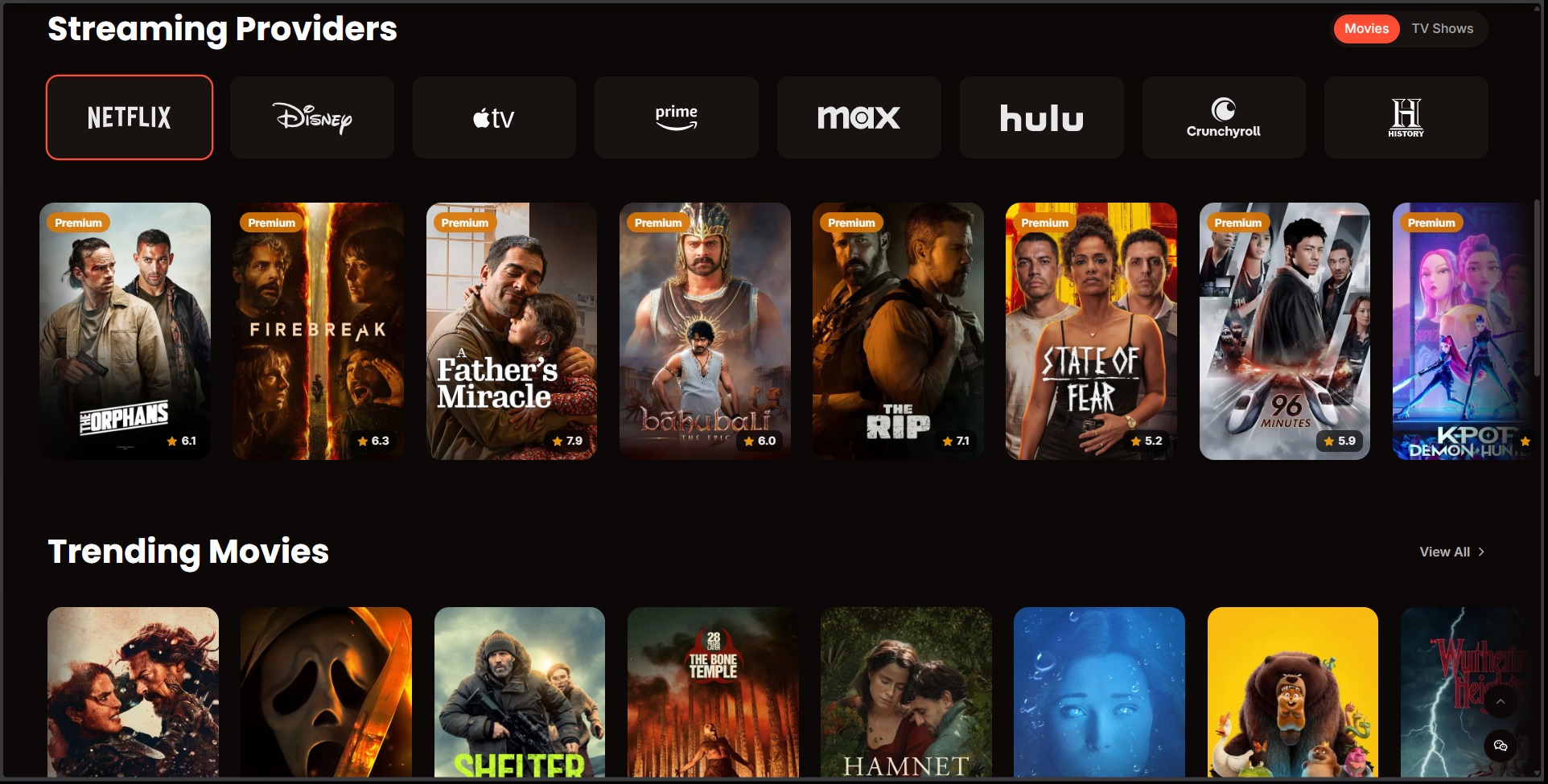
What it does: Pinpoints exactly where to stream any movie or show across fragmented platforms.
Why you need it: Rather than wasting valuable time checking multiple streaming apps individually, JustWatch aggregates catalog metadata globally to show you exactly where to stream, rent, or buy content in your local region.
What it does: Curates free high-quality educational courses from top-tier universities.
Why you need it: It centralizes access to thousands of audio video lectures, free certificate paths, movies, and language lessons compiled directly from institutions like Harvard, Yale, and MIT.
What it does: Instantly solves complex math problems and analyzes raw data formulas.
Why you need it: Unlike a standard search box that simply lists web pages, WolframAlpha utilizes built-in algorithmic AI data models to actually compute step-by-step calculus, chemistry calculations, and engineering matrices for you.
What it does: A fully responsive Photoshop alternative operating completely in your browser.
Why you need it: It supports direct raw PSD, Sketch, and XD formats without requiring any desktop installations. It is completely free, offering advanced masking, layers, pen tools, and adjustment panels out of the box.
What it does: Advanced open-source image compression developed by Google chrome labs.
Why you need it: It lets you aggressively compress image payloads into modern web formats (WebP, AVIF) with precise control. Essential for optimizing page load speeds and SEO without visually degrading image quality.
What it does: Uses AI to strip backgrounds cleanly out of images in seconds.
Why you need it: Perfect for creating e-commerce product listings or transparent headshots without doing meticulous manual clipping work by hand.
What it does: Inpaints photos to instantly erase unwanted background objects, people, or text watermark stamps.
Why you need it: It offers professional healing brush logic via simple web paint-strokes to tidy up promotional assets or stock assets quickly.
What it does: Isolates backgrounds out of video loops or GIFs automatically.
Why you need it: Eliminates the strict requirement for complex chroma-key green screens when generating motion graphics or short social video assets.
What it does: Generates beautiful, customizable high-res screenshots of your source code.
Why you need it: Standard code snippets look bland on blogs or Twitter. Carbon lets you wrap code blocks inside elegant desktop window frames with syntax coloring matching premium developer themes.
What it does: A minimalist alternative to Carbon for producing clean, gradient-backed code images.
Why you need it: Highly optimized for lightning-fast asset generation when updating user documentation pages or coding presentations.
What it does: Generates highly custom, modern browser, app, and interface mockups.
Why you need it: Lets you showcase screenshots inside slick device canvas orientations, elevating social media promotion materials easily.
What it does: Places your custom product logo design onto realistic apparel and print mockups instantly.
Why you need it: Skips complex 3D rendering overheads entirely, giving digital store owners proof-of-concept visual products instantly.
What it does: Audits your personal email identities against historical database breaches.
Why you need it: Enter your email addresses to check if credentials have been compromised in third-party server hacks, allowing you to proactively update compromised passwords immediately.
Track your learning progress as you explore these hidden utilities. Click items below to check them off your list!
Don't let this bookmarked goldmine collect digital dust. Save this article path, configure these tools inside a distinct "Power User" folder on your browser bookmarks bar, and systematically phase out costly SaaS utilities to protect your operational bottom line.
learn how to identify, fix, and prevent the most common tech mistakes that slow you down and compromise your security....
Sharing is Caring: Facebook 0 Twitter 0 Copy 1 More Sharing is Caring: Facebook 0 Twitter 0 Copy 1 Reddit...

Discover 47+ legitimate,

Unlock your earning potential with

Discover 23 proven strategies to make

Discover 25 diverse strategies to


Discover 12 legitimate websites that

We are an awward winning multinational & company We believe in quality and standard worldwide company.
Your tips help us to keep this website free and alive.