

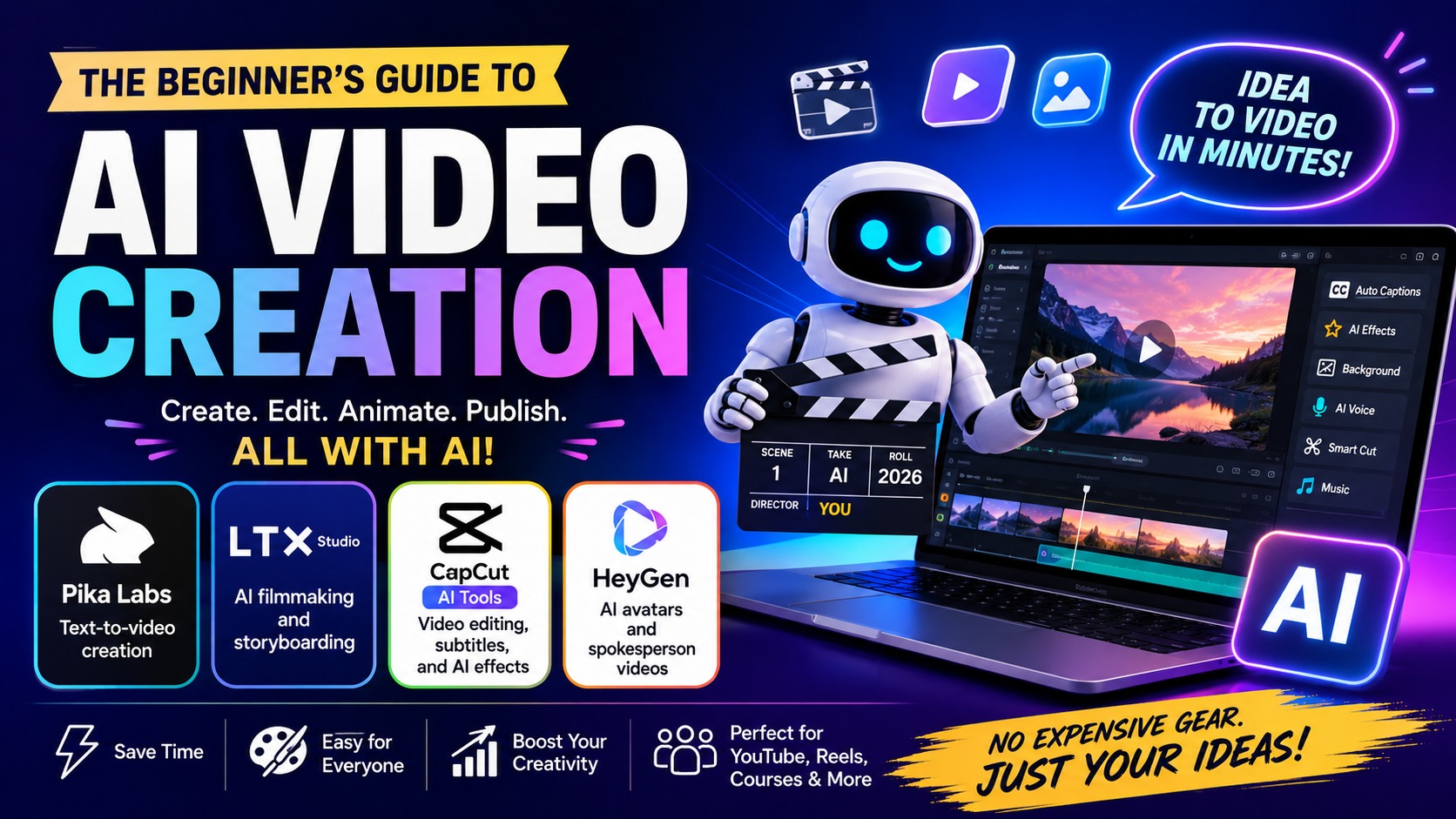
AI Video Creation: The Beginner's Guide to Making Amazing Videos with AI (2026)
Meta Description: Learn how AI video creation works using Pika Labs, LTX Studio, CapCut AI Tools, and HeyGen. This beginner-friendly guide is easy enough for kids and complete beginners.
What Is AI Video Creation?
AI Video Creation means using Artificial Intelligence (AI) to help make videos quickly and easily. Instead of spending hours editing, AI helps create videos, animations, subtitles, voiceovers, and special effects automatically.
Think of AI as a smart helper that does the hard work while you focus on your ideas.
Why Use AI Video Tools?
- Save time
- No editing experience required
- Create videos in minutes
- Perfect for YouTube
- Great for TikTok and Instagram
- Create business videos easily
- Easy enough for beginners
1. Pika Labs – Turn Words into Videos
Pika Labs lets you create videos simply by typing what you want.
Example
"A happy dog running on the beach during sunset."
AI reads your words and creates a short animated video.
Best For
- Text-to-video
- Animations
- YouTube Shorts
- Creative storytelling
- Social media content
Perfect for beginners because no camera or drawing skills are required.
2. LTX Studio – AI Movie Maker
LTX Studio helps you create an entire movie instead of just one video.
It Can Help You Create
- Storyboards
- Movie scenes
- Characters
- Camera angles
- Visual storytelling
Simple Example
- A boy enters a forest.
- He discovers hidden treasure.
- A dragon appears.
- The adventure begins.
LTX Studio helps organize your story before creating the final video.
3. CapCut AI Tools – Easy Video Editing
CapCut is one of the easiest video editing apps available today.
Popular AI Features
- Automatic subtitles
- Background removal
- AI voice generator
- AI music suggestions
- Face enhancement
- Video transitions
- Color enhancement
CapCut makes editing much faster and easier for beginners.
4. HeyGen – AI Talking Avatar
HeyGen creates virtual people that speak for you.
Simply type your script and the AI avatar talks naturally while moving its lips.
Popular Uses
- Business presentations
- Online courses
- YouTube videos
- Customer support
- Product promotions
- Company introductions
Which Tool Should You Choose?
| Tool | Best For |
|---|---|
| Pika Labs | Text-to-video creation |
| LTX Studio | AI filmmaking and storyboarding |
| CapCut AI | Video editing and subtitles |
| HeyGen | AI avatars and spokesperson videos |
Can You Make Money Using AI Video Tools?
Yes.
- Create YouTube videos
- Offer freelance video editing
- Sell social media videos
- Create online courses
- Produce business advertisements
- Make TikTok and Instagram Reels
Frequently Asked Questions
Are these AI tools free?
Most offer free plans with optional paid upgrades.
Can beginners use them?
Yes. They are designed for people with little or no editing experience.
Do I need an expensive computer?
No. Many AI video tools work directly in your web browser.
Can kids learn AI video creation?
Yes. With guidance from a parent or teacher, many of these tools are easy to explore.
Final Thoughts
AI video creation is changing the way people make videos. Whether you want to turn text into animation with Pika Labs, plan a movie with LTX Studio, edit videos using CapCut AI, or create a virtual presenter with HeyGen, these tools make professional-looking videos easier than ever.
Start with one tool, practice often, and let AI help bring your ideas to life.