

The Complete Beginner's Guide to AI Image Generation, Logos, Posters & Text Design
Introduction
Artificial Intelligence (AI) is changing the way people create images, logos, posters, advertisements, and digital content.
One of the most exciting AI image generators available today is Ideogram AI.
Unlike many image generators that struggle to create readable text inside images, Ideogram is famous for producing beautiful graphics with clear text, making it ideal for posters, logos, banners, social media graphics, business branding, and marketing materials.
Whether you’re a student, entrepreneur, blogger, marketer, designer, or complete beginner, Ideogram AI can help you create professional-quality visuals without expensive software or design skills.
In this guide, you’ll learn:
- What Ideogram AI is
- How Ideogram works
- Why it’s different from other AI image generators
- How it helps with design and branding
- How it supports marketing and SEO
- How businesses use it
- How beginners can start using it

What Is Ideogram AI?
Ideogram AI is an artificial intelligence image generator.
It allows users to create images simply by describing what they want.
Instead of spending hours designing graphics manually, you type a prompt and Ideogram creates the image for you.
For example, you can type:
“Luxury gold business logo with black background.”
Or:
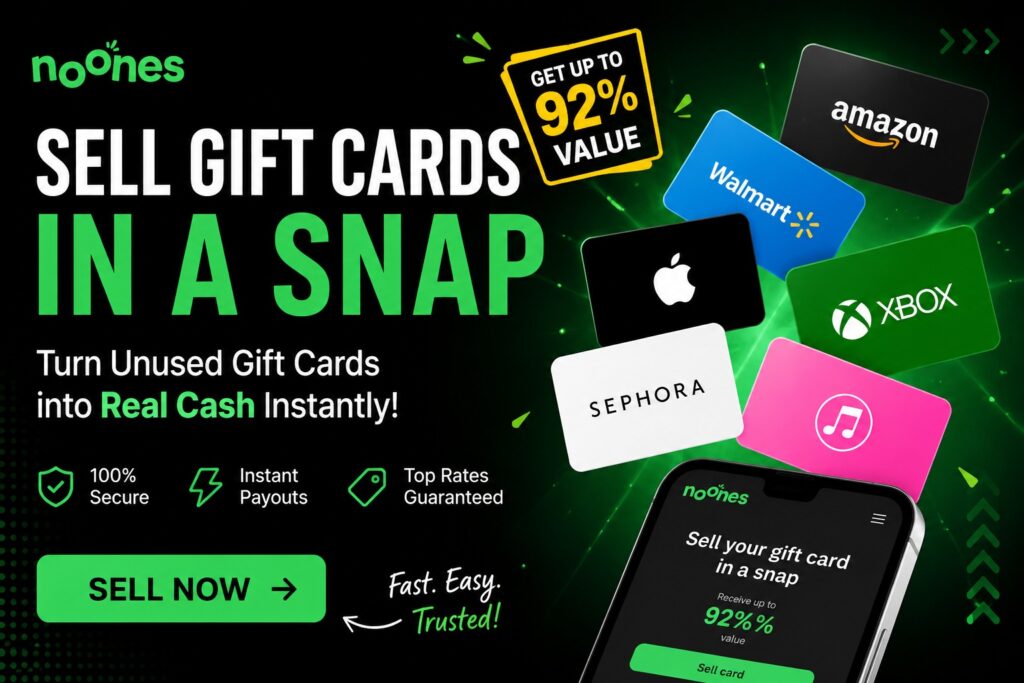
“Modern travel poster promoting Dubai with bold typography.”
Within seconds, Ideogram generates multiple design options.
Why Is Ideogram Different?
Many AI image generators can create beautiful artwork.
However, most struggle when text needs to appear inside the image.
Ideogram is different because it excels at generating readable and attractive text within images.
This makes it ideal for:
- Logos
- Posters
- Flyers
- Business banners
- Advertisements
- Social media graphics
- Product promotions
- Website graphics
This feature has helped Ideogram become one of the most popular AI design tools.
How Does Ideogram Work?
Imagine hiring a professional graphic designer.
Normally you would explain: Your business, Your design style, Your colors, Your message
The designer would then create the graphic.
Ideogram works similarly.
You simply describe your idea using words.
The AI then creates visual designs based on your instructions.
The more detailed your prompt, the better the results.
Ideogram for Logos
One of Ideogram’s strongest features is logo design.
Businesses need logos to create professional branding.
A good logo helps customers:
- Recognize a business
- Build trust
- Remember the brand
Example Prompt
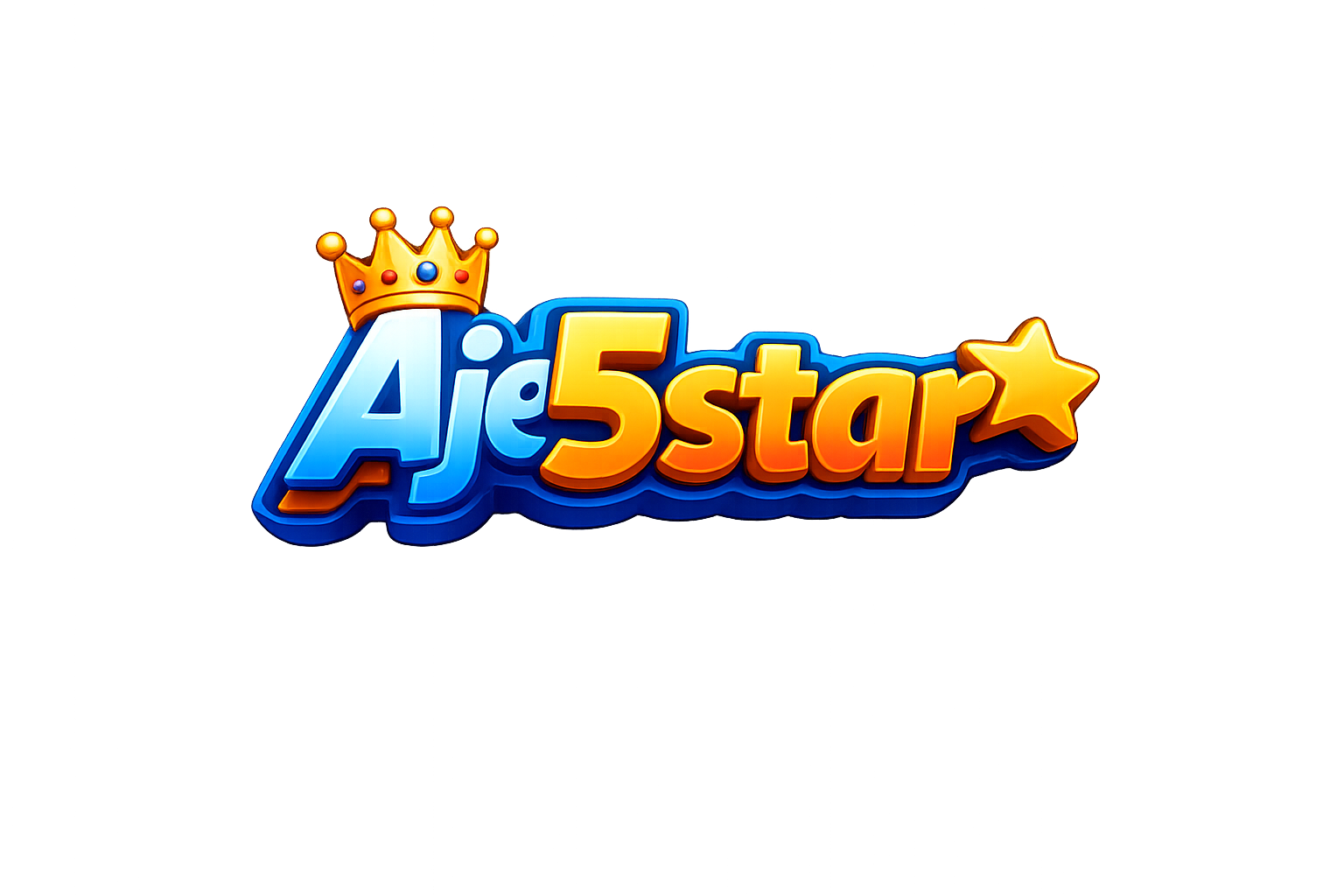
“Premium luxury logo for Aje5star, gold and black colors, modern design, professional branding.”
Ideogram can generate multiple logo concepts instantly.
This saves both time and money.
Ideogram for Posters
Posters are commonly used for:
- Events
- Products
- Courses
- Promotions
- Businesses
- Marketing campaigns
Ideogram can create eye-catching posters with clear typography and professional layouts.
Example Prompt
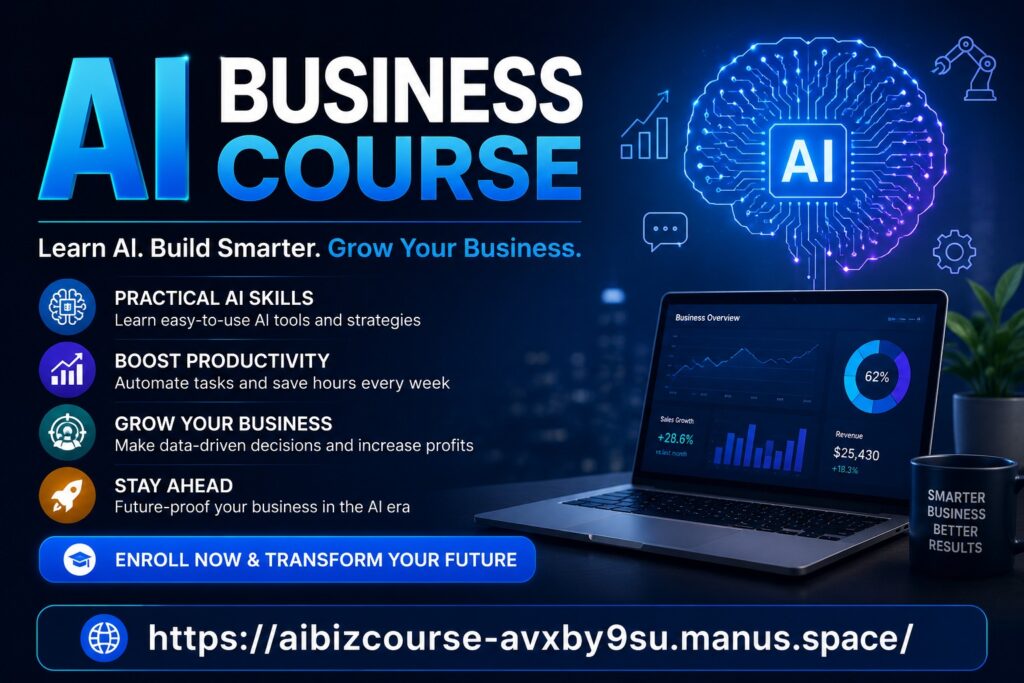
“Modern AI business course poster with blue and gold colors, bold headline, futuristic design.”
The AI can generate multiple poster styles within seconds.
Ideogram for Social Media Graphics
Social media platforms require attractive visuals.
Ideogram helps create graphics for:
- X
- YouTube thumbnails
Example Prompt
“YouTube thumbnail for Top 10 AI Tools in 2026, bright colors, bold text, professional design.”
This helps content creators increase clicks and engagement.
Ideogram for Writing
Although Ideogram is primarily an image generator, it supports writers by helping visualize ideas.
Writers can create:
- Blog banners
- Article illustrations
- Ebook covers
- Promotional graphics
For example:
A blogger writing about AI can generate custom featured images instead of using generic stock photos.
This improves content quality and engagement.
Ideogram for Brainstorming
Creativity can be difficult.
Ideogram helps people visualize ideas quickly.
You can brainstorm:
- Business logos
- Brand concepts
- Product packaging
- Marketing campaigns
- Website designs
Seeing ideas visually often sparks new inspiration.
Ideogram for Marketing
Marketing is about attracting attention and communicating value.
Visual content plays a major role in successful marketing.
Ideogram helps marketers create:
- Ad creatives
- Product promotions
- Social media graphics
- Event posters
- Business banners
- Brand materials
Example
A business launching a new product can create professional advertisements without hiring a designer.
This reduces costs and speeds up production.
Ideogram for SEO
SEO stands for Search Engine Optimization.
SEO helps websites rank higher on Google.
Many people think SEO only involves text, but images also play an important role.
High-quality images can:
- Increase engagement
- Reduce bounce rates
- Improve user experience
- Generate image search traffic
- Increase social shares
Ideogram helps website owners create unique images instead of using overused stock photos.
This can improve overall content quality.
Example
A website about AI tools can create custom banners and featured images for every article.
This makes content more attractive and professional.
Ideogram for Research
Researchers and professionals often need visual presentations.
Ideogram can help create:
- Infographics
- Educational graphics
- Presentation visuals
- Data illustrations
- Educational posters
Visual communication often makes complex information easier to understand.
Can Ideogram Help With Coding?
Ideogram is not a coding platform.
However, developers often use it to create:
- Website banners
- User interface concepts
- Landing page graphics
- App promotional images
These visuals can then be integrated into websites and applications.
Who Uses Ideogram AI?
Entrepreneurs
Business owners use Ideogram for:
- Branding
- Marketing
- Advertising
- Product launches
Bloggers
Bloggers use Ideogram for:
- Featured images
- Blog graphics
- Social media promotion
Content Creators
Creators use Ideogram for:
- YouTube thumbnails
- Social media graphics
- Brand assets
Designers
Designers use Ideogram for:
- Rapid prototyping
- Creative inspiration
- Concept generation
Can Ideogram Help You Make Money?
Many people use Ideogram to support income-generating activities.
Examples include:
- Freelance design services
- Logo creation
- Social media management
- Blogging
- Affiliate marketing
- Ecommerce
- Digital product creation
While Ideogram doesn’t generate income directly, it helps people create valuable visual assets much faster.
Advantages of Ideogram AI
Excellent Text Generation
One of the best AI tools for readable text inside images.
Easy to Use
No graphic design experience required.
Saves Time
Creates professional graphics in seconds.
Great for Branding
Ideal for logos, posters, and marketing materials.
Improves Content Quality
Custom visuals often outperform generic stock images.
Limitations of Ideogram AI
Like all AI tools, Ideogram has limitations.
Sometimes it may:
- Misinterpret prompts
- Generate imperfect designs
- Require multiple attempts
- Need manual editing
The best results often come from refining prompts.
The Future of Ideogram AI
AI image generation continues to improve rapidly.
Future versions of Ideogram may offer:
- Better logo creation
- More advanced branding tools
- Improved typography
- Enhanced image editing
- Faster generation speeds
As businesses increasingly rely on visual content, tools like Ideogram will become even more important.

Tips for Better Results
Be Specific
Instead of saying:
“Create a logo.”
Say:
“Create a luxury gold and black logo for a technology company.”
Specific prompts produce better images.
Describe Colors
Include:
- Gold
- Black
- Blue
- White
- Silver
This improves design consistency.
Include Style Keywords
Examples:
- Modern
- Luxury
- Minimalist
- Futuristic
- Corporate
- Premium
These help shape the final design.

Final Thoughts
Ideogram AI is one of the best AI image generators available today, especially for creating logos, posters, banners, advertisements, and readable text images.
Its ability to combine creative design with strong typography makes it a powerful tool for entrepreneurs, marketers, bloggers, content creators, and businesses.
Whether you want to build a brand, promote a business, create social media graphics, or design professional marketing materials, Ideogram can help you create stunning visuals quickly and easily.
As AI technology continues to evolve, Ideogram is becoming one of the most valuable tools for digital content creation and visual branding.